Archive
Yauba – Big Brother isn’t watching you
Sixty years after George Orwell published 1984 many of the ideas have, unfortunately, become commonplace. There are speed cameras watching how fast you drive, and CCTV monitoring many UK towns. On the Internet, search engines such as Google monitor your searches – keeping the data for months. They know what operating system you use. AWARE doesn’t record this information, despite showing some in our top bar, but many sites, and most search engines do).
Yauba bucks the trend by proudly announcing that it respects user privacy. Its privacy policy proudly states:
Following the Iranian elections (June 2009) many Iranian dissidents and protesters have switched to Yauba, according to the searchengine blog site, Pandia.
“Ahmed Hossain, CIO of Yauba, tells Pandia: “Our traffic from Iran has jumped 300% over the past several days, as many of them are using the Yauba Search Engine and the anonymity proxy filter to access blocked sites and get news from foreign sources.”
Anonymity may be important for some people. However for most, it’s search results that count. Although Yauba claims to be able to search semantically, differentiating between Java the island, Java the coffee and Java the computer language is this a meaningless boast?
In other words is Yauba worth using for those not looking to hide their identity.
The short answer is yes. Yauba searches various types of content – which are separated. As such it enables you to quickly find Acrobat files, Word documents, PowerPoint presentations, news, blogs, images, video, etc. in a single search. Each are kept distinct – and this is an interesting differentiator between it and other search engines. It also presents ways of refining queries and where there are alternative meanings it shows these – allowing users to pick the one they want.
Rather than use the search they suggest i.e. Java I put in Apple. The three meanings I thought of were
- The fruit
- The computer company
- The music company founded by the Beatles
In fact, there are several more – as Yauba shows:
apple can mean:
Apple Inc. (formerly Apple Computer, Inc.), a consumer electronics and software company Apple Bank, an American bank in the New York City area Apple Corps, a multimedia corporation founded by The Beatles Apple (album), an album by Mother Love Bone Apple (band), a British psychedelic rock band Apple Records, record label founded by The Beatles Apple I, Apple II series, Apple III, etc., various personal computer models produced by Apple, Inc and sold from 1976 until 1992. Ariane Passenger Payload Experiment, an Indian experimental communication satellite launched in 1981 Apple (automobile), an American automobile manufactured by Apple Automobile Company from 1917 to 1918 Billy Apple, artist Fiona Apple, a Grammy award winning American singer-songwriter R. W. Apple, Jr., an associate editor at The New York Times
Clicking on Apple (automobile) gives a number of results – not all directly relevant but some which were. There is also a brief encyclopedia type entry at the top of the page:
The Apple was a short-lived American automobile manufactured by Apple Automobile Company in Dayton, Ohio from 1917 to 1918. Agents were assured that its $1150 Apple 8 model was “a car which you can sell!”. Sadly for the company, it would seem that the public did not buy.

On the right of the screen are various suggestions for alternative searches. For example, a search for apple gives:
Compare the clarity of this to the same search on google. (Admitedly the search is not sophisticated and a competent searcher would refine the term – but for testing, it’s good enough)
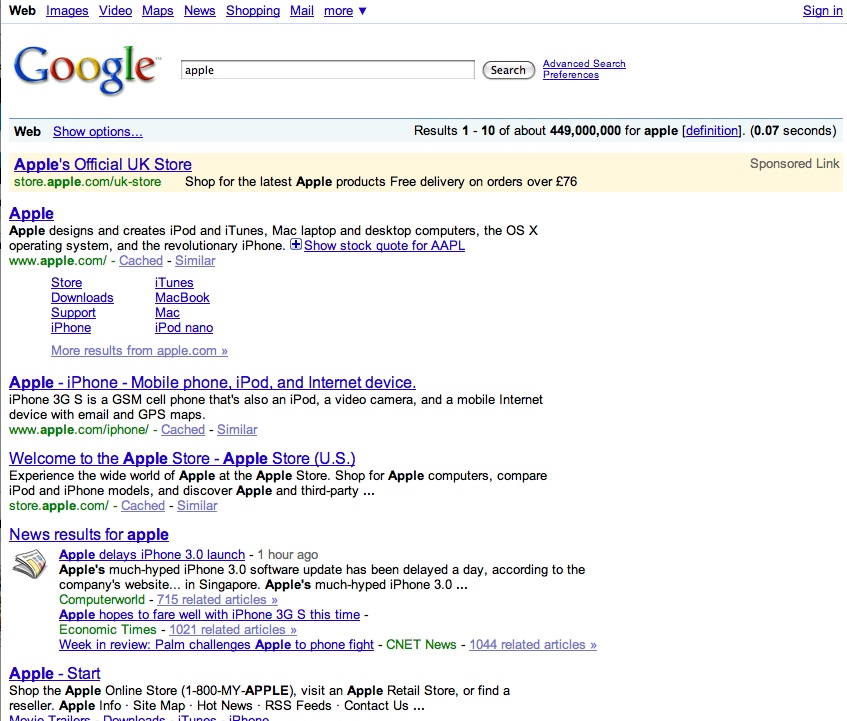
It means that amateur searchers are more likely to find resuls for complex searches – fulfilling Yauba’s claim to allow people to search without a knowledge of Boolean logic.
Also interesting is that a component of each search includes a real-time element – from Twitter and social news from Digg. The real time search element is useful as it provides another option to scoopler.
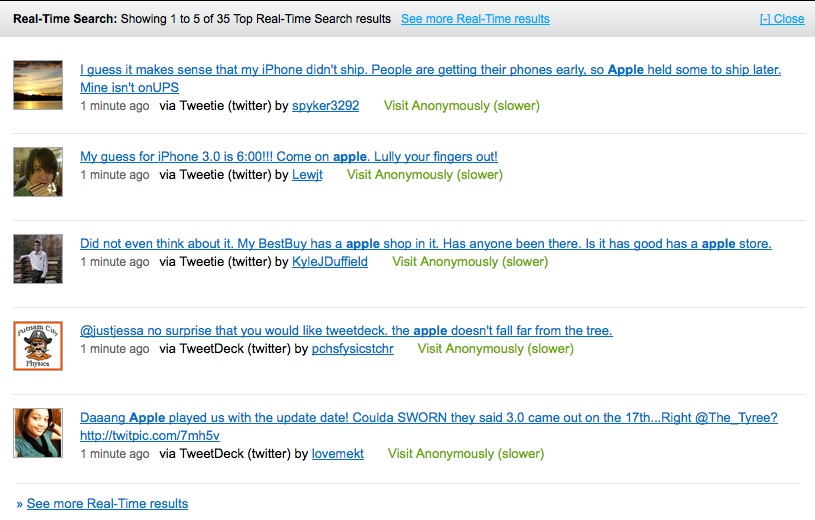
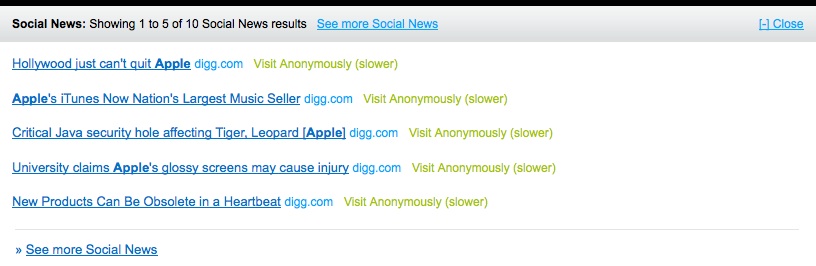
Sponsored ads appear to come from the Google network. There are also options to filter searches (although there is currently no information on what is being filtered) and a Lite version which seems to remove the refinement options and the top-level definitions (i.e. making it more Google like in its results presentation).
There is also an option to refine searches – alongside the search box.
 Selection of one of the options allows further search refinement either by keyword
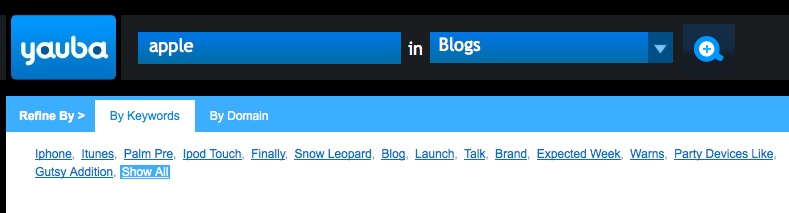 or domain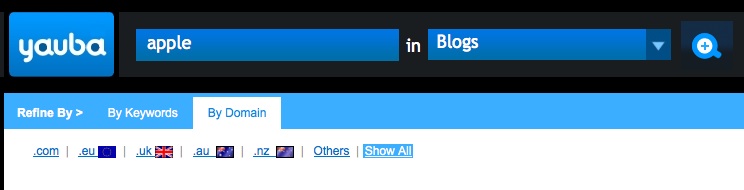
Overall I like Yauba. The interface is clean (and the black background makes a change from competitors).
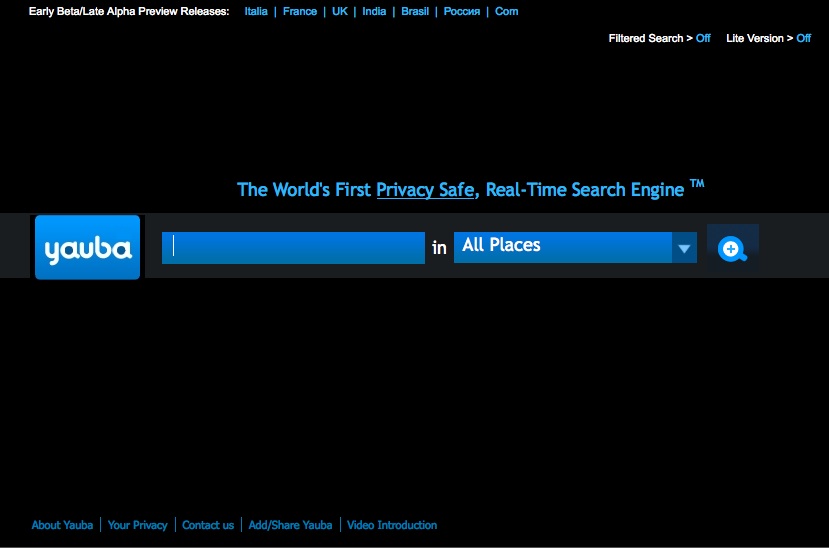
Currently the site says it’s only an early Beta / Late Alpha preview release so more work / changes can be expected. Hopefully these will include Help files explaining what the Lite search is supposed to do and what a Filtered search actually filters. Also, what syntax is acceptable – to refine searches. Does Boolean searching actually work, for example? On my brief tests it seemed to – as did phrase searching i.e. putting search terms in quotes. What about other options – could any of the advanced search options from Exalead be included. And will the site cover more countries, than the current small number (Italy, France, UK, India, Brazil, Russia and the .com site)? Yauba promises to cover more countries – I’m just surprised that there is no Chinese or German version as I would have expected these before the Italian version. I guess the Yauba team have Italian speakers but currently no Chinese speakers.
Google Squared – tabulate results instantly
Google Squared is a new addition to the Google Labs portfolio of products being tested by Google. Launched on June 3, it looks as though it’s aimed at offering an ability to get more from simple searches – perhaps a bit like WolframAlpha.

WolframAlpha
I’m still not sure what to make of WolframAlpha – the new “computational search tool”. I like what it can do – as a way of solving crosswords, or doing math calculations. For a lot of information it’s probably easier to use than Wikipedia but i can’t really see how it will help in most business type queries – at least it won’t yet.
If you want to find a word where you know some letters it’s great. Type in _i_i_i and you’ll get the answer “bikini” and also “militia” – two words that match that pattern. Put in an equation and you’ll get a graph, or a chemical or molecular symbol and you’ll get information on the element or compound. Enter in stock codes and you’ll get some company information but too often the result is “Wolfram|Alpha isn’t sure what to do with your input.” You’ll get this if you put in British Telecom but WolframAlpha knows about BT as enter this and you get correct information on British Telecom’s share performance.
I think part of the problem is that WolframAlpha is different and new. It’s NOT a search engine (despite the hype saying it would be a Google killer). It’s not an encylopedia although many entries are encylopedic. Instead, it’s what it says on its description – it’s a computational knowledge engine. Use it to carry out calculations or to bring up data that’s in it’s knowledge engine – but don’t use it for much more. It’s a useful addition to the search scene and will make life easier for some searches, but that’s about it. For most searches I’ll stick with Google and other search engines. For general information I’ll remain happy with Wikipedia. However I will use WolframAlpha for information requiring some element of computation more complex or requiring greater detail than is available in Google’s calculate functionality.
But it’s not google – Bing goes Live!
Another long wait between entries – I really must update more often. However recent events in the Search world and in the CI world mean I have no choice but to update. My thoughts on recent changes at SCIP will have to wait till my next post. This post will look at Microsoft‘s replacement for Live and MSN Search – with its new Bing search engine.
Searches at Live or MSN Search now redirect to Bing.com. I like the front-end – it’s clean and colourful. However I couldn’t find anywhere to change the front image – at least on the UK version that’s still in Beta.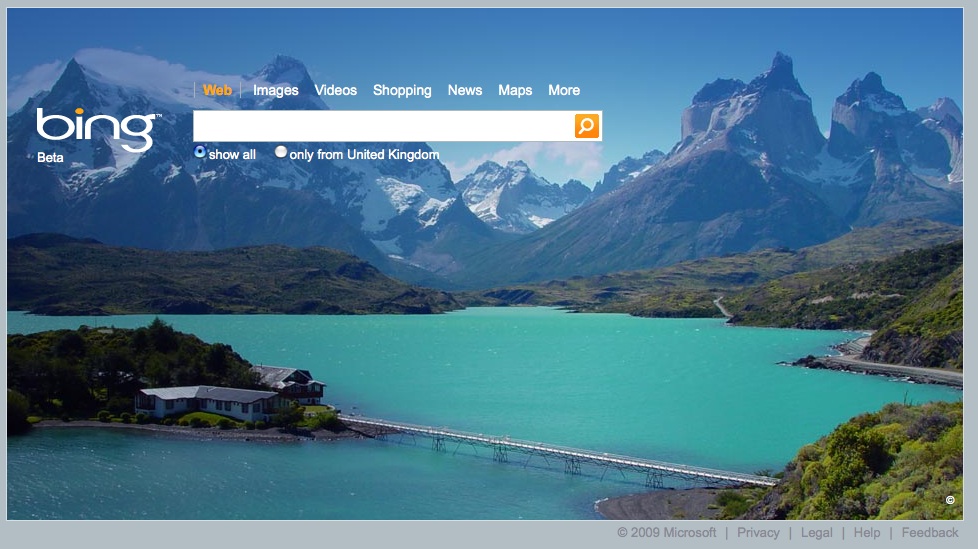 The US version does allow you to scroll back to previous images – with a little arrow option at the bottom of the right side of the screen.
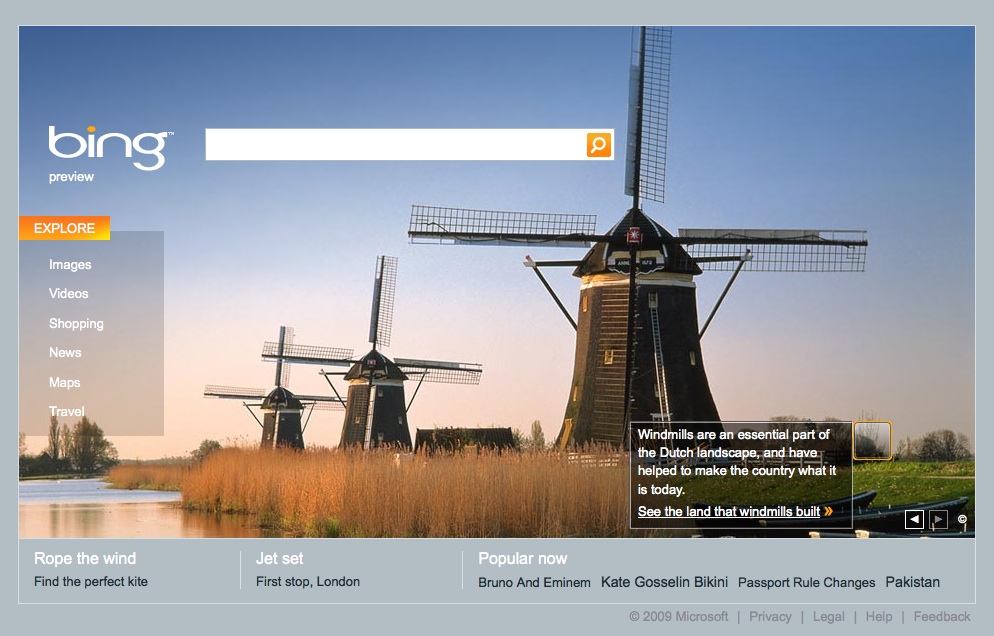
 The US version also includes hot-spots describing aspects of the picture, plus a side-bar offering more search options.
At the bottom of both versions is a link for help – interestingly still pointing to Live.com. Obviously Microsoft still has more work to do on this. The help section gives the format for advanced commands and also allows you to remove the screen background.
So how does Bing perform. For the searches I tried, the results are good – and there isn’t that much to choose between Google and Bing. One difference i did notice is that URLs with the search terms used seem to come higher than other sites – so, for example, AWARE‘s web-site came to the top for a search on “marketing-intelligence“. Also relevant is that the algorithm is sufficiently intelligent to realise that “CompetitorAnalysis.com” is a likely candidate for searches on “Competitor Analysis“. I’m not sure the same precision exists in Google. Another odd feature is that some titles seem to be edited. For example some searches on my web-site content bring up the following title: “
This title doesn’t exist on our web-site so has been taken from somewhere else – most likely from a link on a UK government business support web-site.
Where Bing falls is in the advanced searching and also the preferences. I like that you can set Google to display 100 hits at a time. Bing only allows 50. Bing also lacks some of the field / advanced search options available to Google. There are no wild-card searches (using the * character) or synonym searches (the ~ character) for example. However there are options that are not currently available in Google – such as the feed:, hasfeed:, loc:, and contains: options. These allow for searching for RSS sites (feed: and hasfeed:), location searches (loc:), searches for sites containing links to types of content such as WMA, MPG files, etc. – contains:. These options are not available in the advanced search boxes.
All in all – i like Bing and prefer its interface to Live. I like colourful pages, and have customised my Google page with iGoogle themes, and Ask with it’s skins. Yet again, however, this is not a Google Killer – and perhaps it’s not trying to be. The key thing: Bing is not google!
A number of other reviews on Bing worth reading:
Mixed reviews of Bing, Microsoft’s new search engine – the Daily Telegraph
Bing Don’t Bother – Karen Blakeman’s review
Bing Launches – it’s awful – Phil Bradley’s review
Bing Bing: Microsoft’s search engine unexpectedly live, but not Live – the Guardian

Go to AWARE's web-site



 Competitive Intelligence News
- Pomo: $4.5 Million Raised For AI Marketing Intelligence Platform - Pulse 2.0
- TapClicks AI Platform Brings New AI Marketing Intelligence Capabilities to Automate Performance Reporting - AiThority
- Pomo Raises $4.5M for AI Marketing Intelligence Platform - National Today
- Five Findings About Today’s Market And Competitive Intelligence Programs - Forrester
- Data for growth - Part 4: CRM data enrichment: Sales and marketing intelligence with AI - Moody's
- Sales Teams Lose Competitive Deals Without Disciplined Competitive Intelligence, According to Info-Tech Research Group - PR Newswire
- My ‘detective’ job as a competitive-intelligence consultant for pharma - Nature
- Market Logic Software Included in Latest Market and Competitive Intelligence Platforms Landscape Report - newswire.com
- How a Competitive Intelligence Dashboard Enabled Real-Time Market Monitoring for a Global Enterprise | Astute Analytica - Yahoo Finance
- Enhancing Bank Performance with AI-Powered Competitive Intelligence on AWS - Amazon Web Services

 Find It Out - Research Secrets and More